 WLSAPlus
A toolbox for WLSA students
WLSAPlus
Your schedule, tasks, translation, and desktop tools in one focused app.
Latest release
Download for WindowsSetup installer
Download for AndroidAPK package
Open web versionUse in your browser
Download for macOSLatest ZIP package | Accelerated
Release notes and other files
Simple by design
One place for the school day
Connect once, then move between the information and tools you use most.
- 01
Connect PowerSchool
Sign in from the web, desktop, or Android app. Your schedule and saved account data stay on your device.
- 02
See what is next
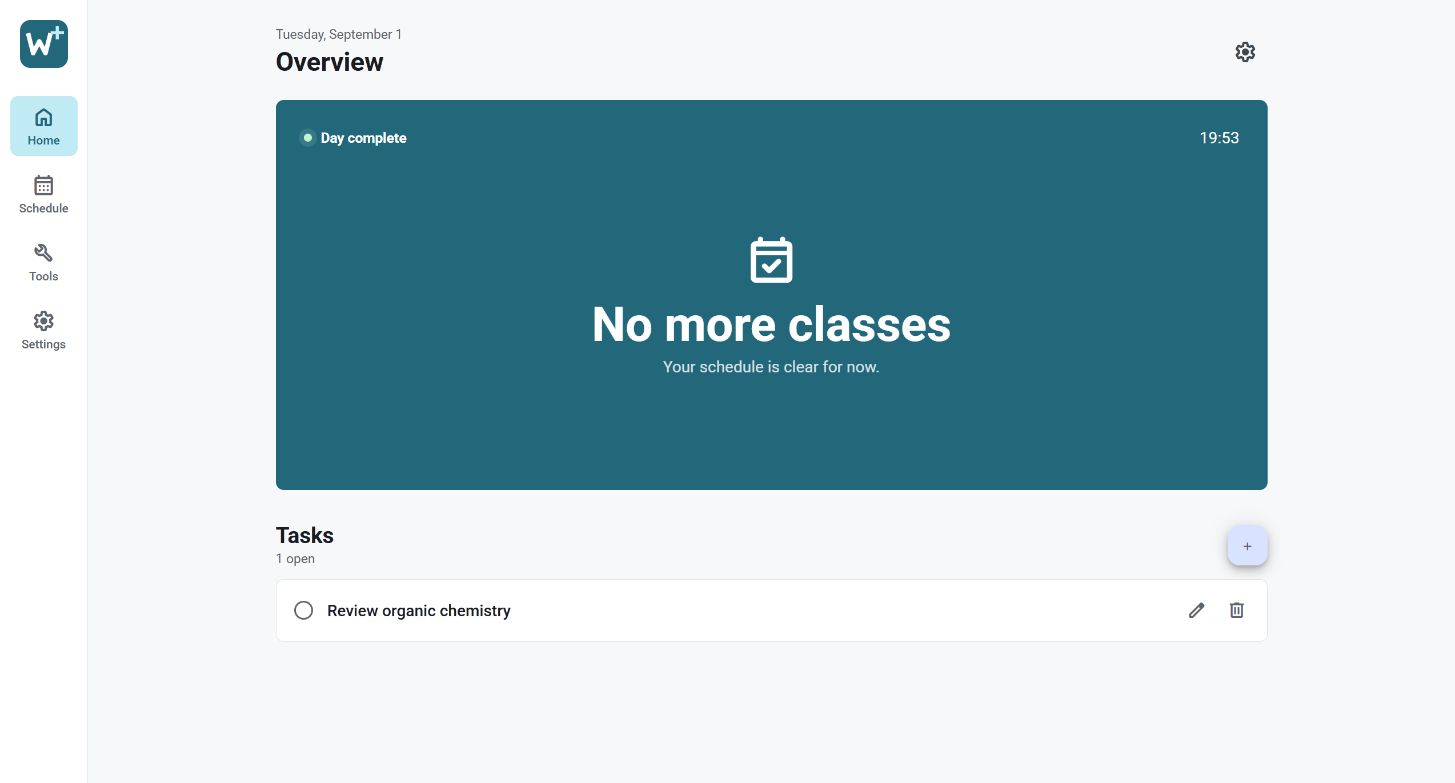
Check the current class, start and end times, teacher, room, countdown, and the next lesson at a glance.
- 03
Keep tasks clear
Add a title and detailed information, reopen a task when you need the context, and edit it from the app or desktop Tasks card.
- 04
Use the built-in tools
Translate text or screen captures, keep useful schedule cards on the Windows desktop, and use the app's connection tools when needed.
From the blog
Updates and useful guides
Read what is new in WLSAPlus and learn how to make the most of its student tools.
WindowsAndroidmacOS